Appearance
Viewing and Filtering Vendors
INFO
Note: Vendors can only be viewed by organizational users who have been granted relevant permissions
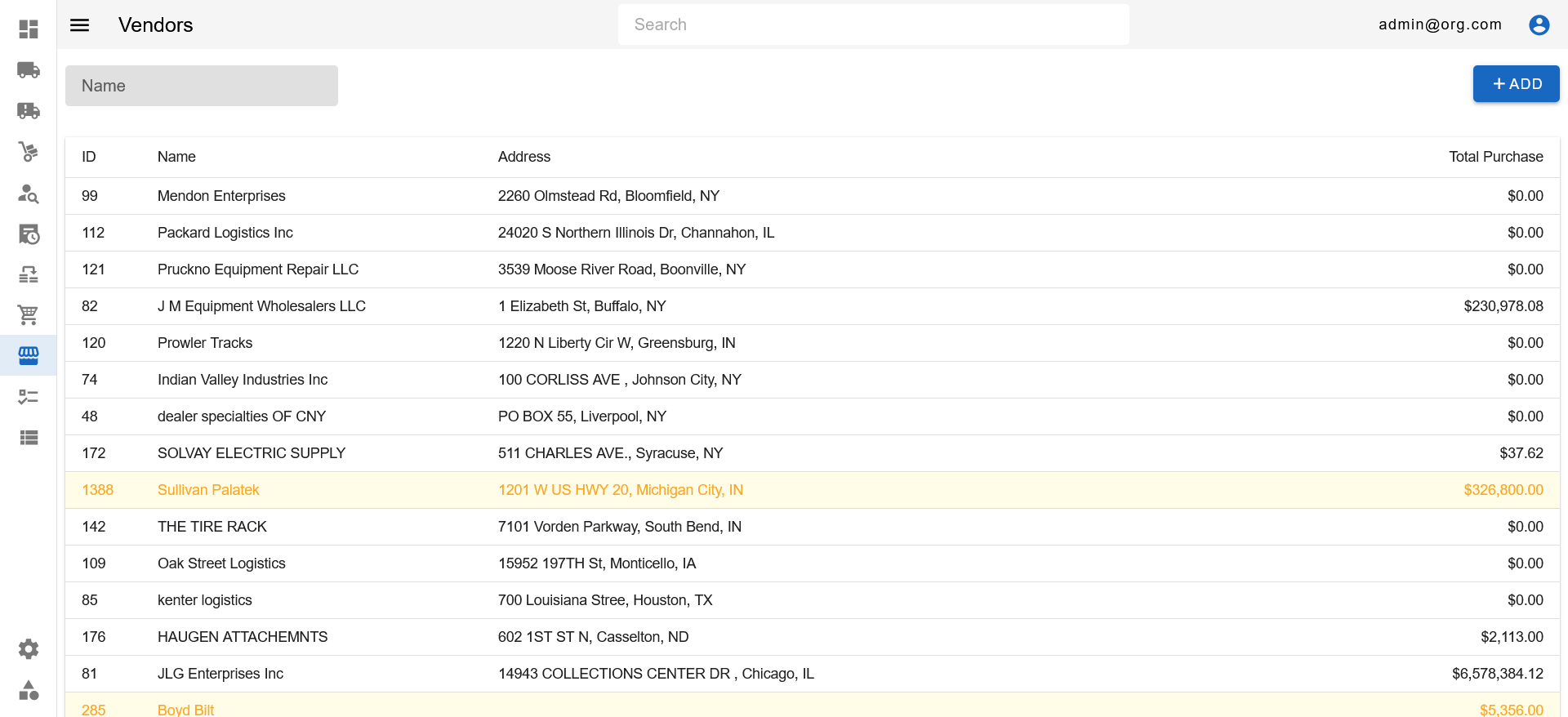
The Vendors Page features a single filter atop the Vendors Table. This filter can be set to filter vendors by name within the table and search for your desired vendor(s). Vendor rows highlighted in yellow not validated.
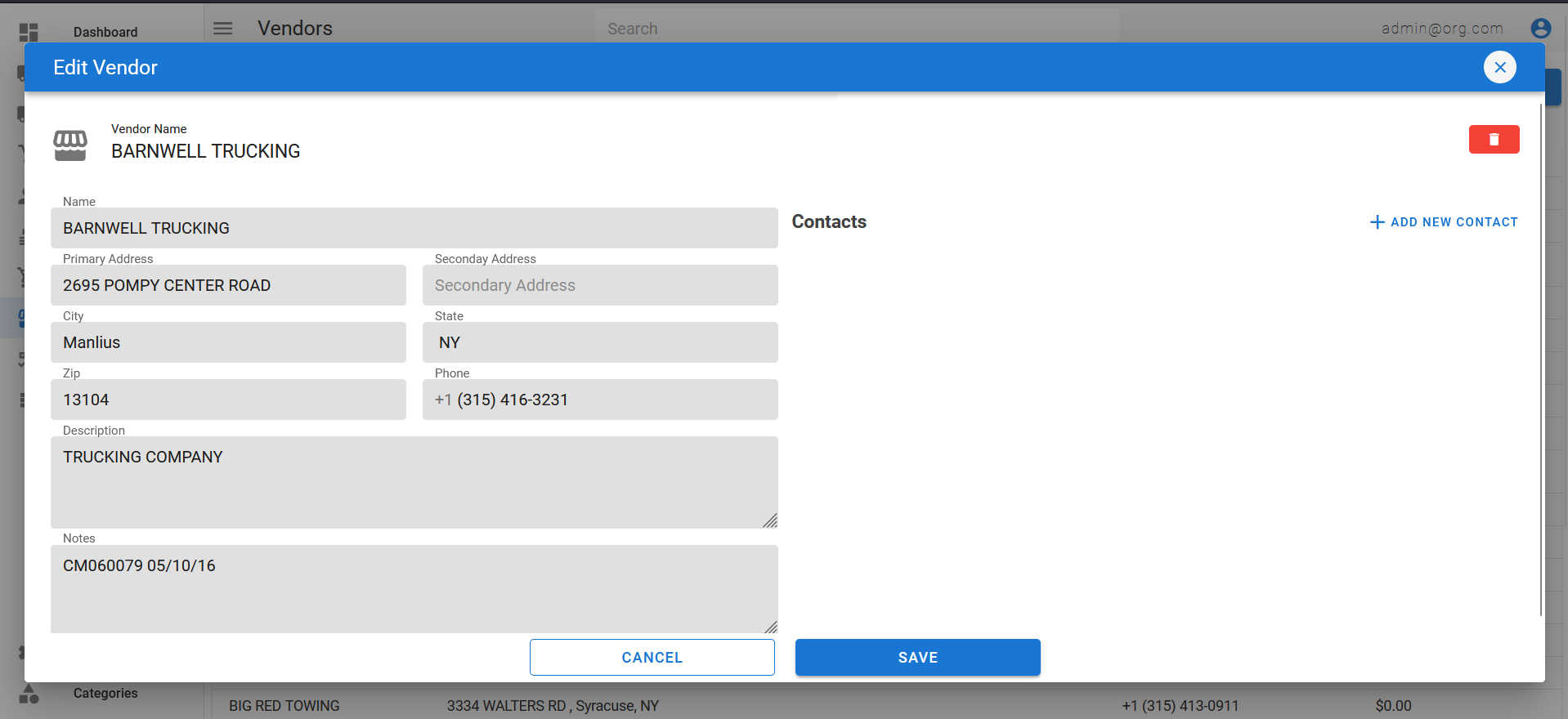
To view detailed information on a vendor, simply click on a vendor row to open up the Vendor Popup.